
Downloads
Hey Quad on your computer, phone and Chrome.
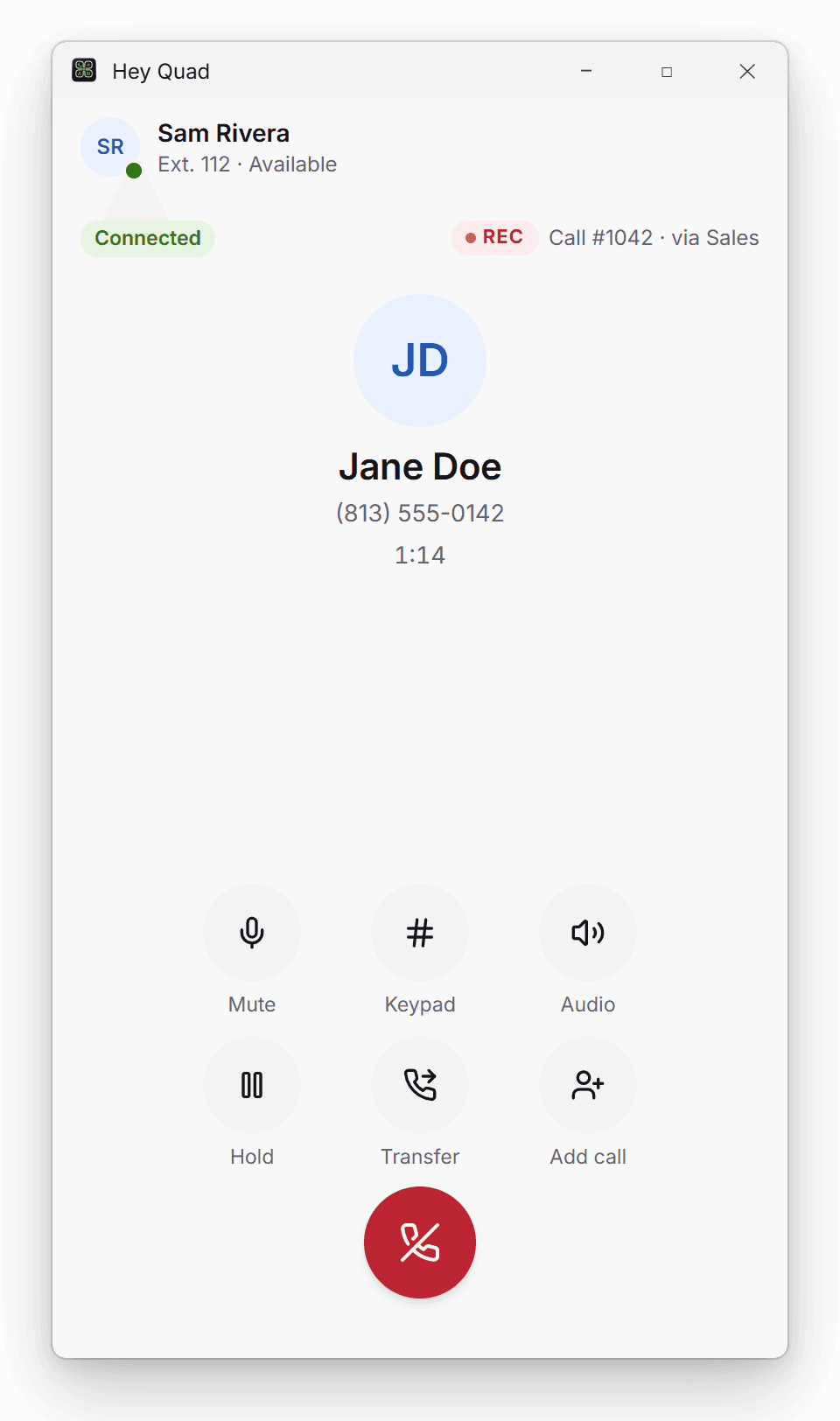
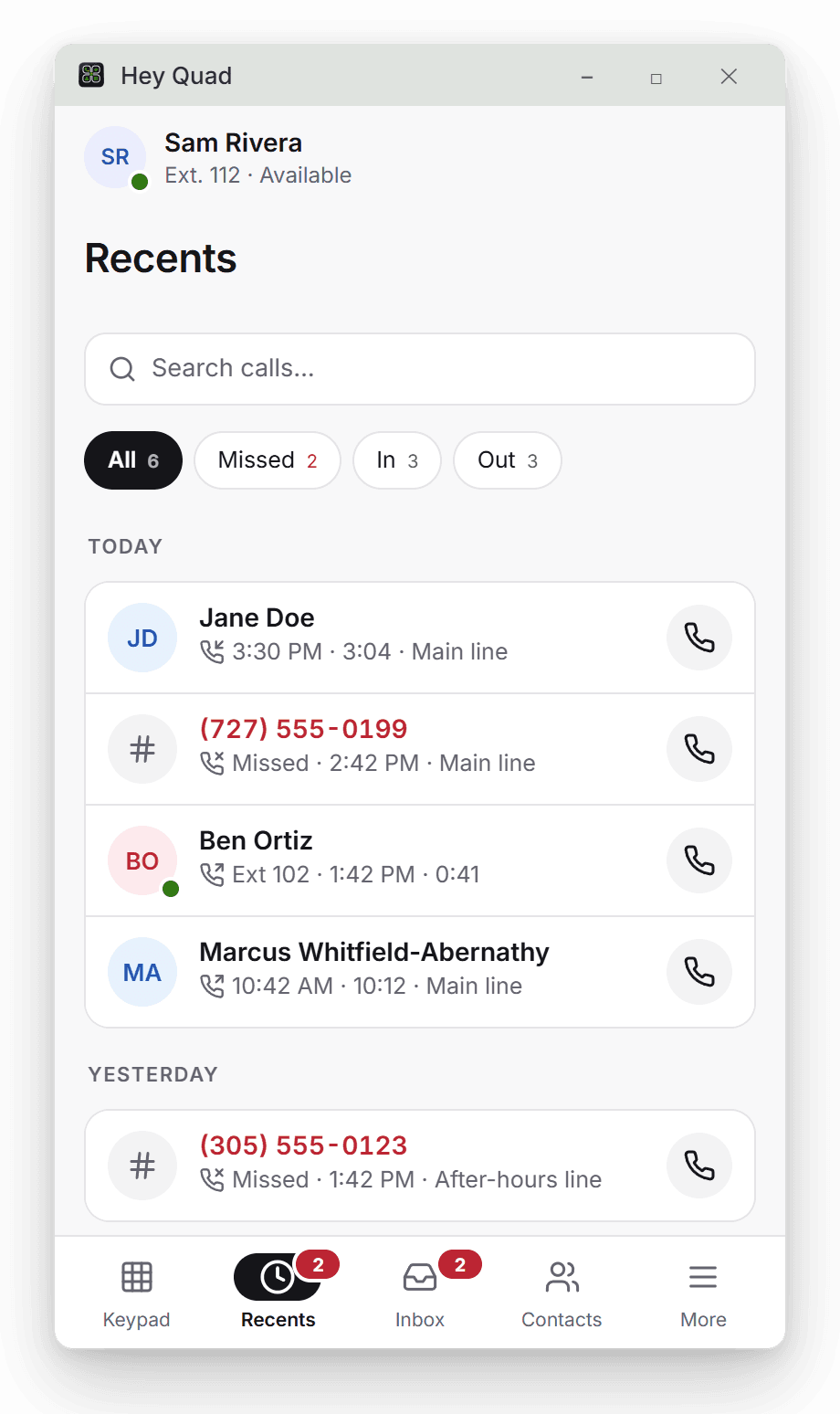
The Windows desktop app keeps calls ringing with your browser closed and updates itself. The Android app puts your business line on your mobile, and the Chrome extension puts it beside your work. Or use Hey Quad in any modern browser with nothing to install. Every one signs in with the same account.
Windows desktop app
Calls, texts and voicemail in their own window, so calls ring even with your browser closed. It updates itself when a new version ships.
- Version 1.1.5
- 4.8 MB
- Released November 14, 2026
- Windows 10 (version 1809 or later) or Windows 11, 64-bit
Installs for your Windows user, no administrator needed.
Chrome extension
Your phone in Chrome's side panel or its own window, and click any phone number on a web page to call it.
- From the Chrome Web Store
- Chrome 116 or later
Android app
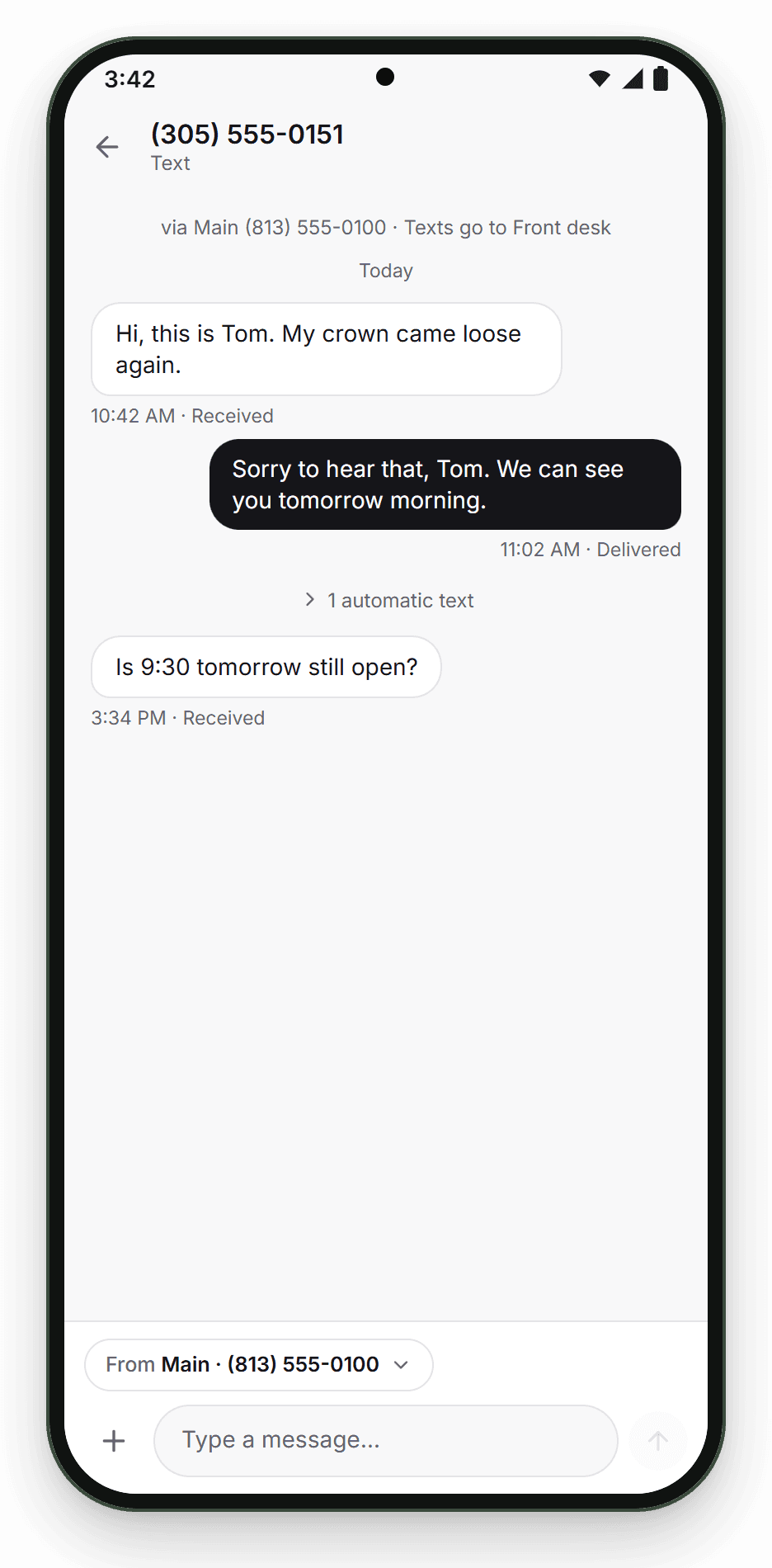
Answer business calls on your mobile phone without giving out your personal number, with your texts, voicemail and contacts alongside.
Use it in your browser
Nothing to install. Sign in at heyquad.com from any computer to make and take calls, read texts and voicemail, and run your account.
There is no iPhone app yet.